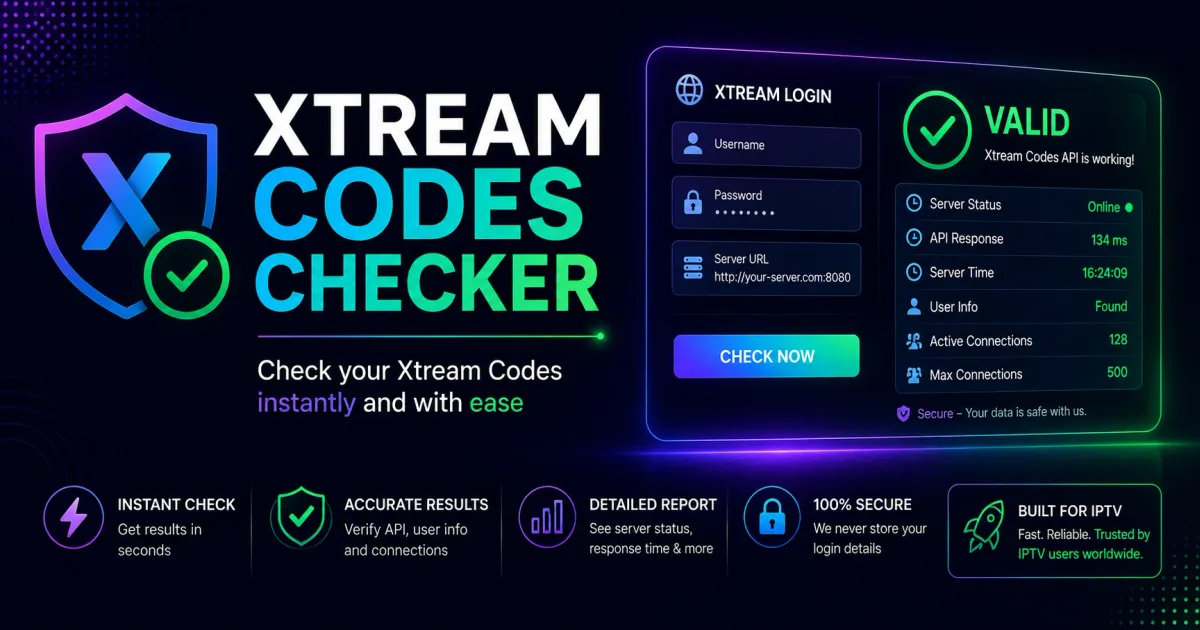
Xtream Codes Checker: Test Your Login Credentials Online
How to check Xtream Codes credentials — test whether your host, username and password are valid, see your account status, and diagnose login failures.
A Xtream Codes checker tests whether a portal address, username, and password actually work. Used correctly — on your own account — it’s the fastest way to find out whether a login failure is your credentials or your player. Used on other people’s credentials, it’s credential abuse. This guide covers the legitimate use.
Scope of this page. A Xtream Codes checker verifies the login: are the credentials accepted, and what is the account status? If you need the full-service health check — portal reachability, channel and VOD counts, and whether streams actually play — use the IPTV Checker instead. For connection speed or stutter diagnosis, see the IPTV buffering test.
What a checker actually does
A checker performs the same request a player does at login. It calls the portal’s API and reads the reply:
GET /player_api.php?username=USERNAME&password=PASSWORDThe response includes a user_info object with two key fields:
| Field | Meaning |
|---|---|
auth | 1 = credentials accepted, 0 = rejected |
status | Active, Expired, Disabled, or Trial |
That’s the whole job: confirm the login and report the account status. Everything else — connection speed, channel counts, EPG health — is extra.
Checking your own account without installing anything
You don’t need a dedicated app. Use a browser or curl:
- Open your portal’s API URL in a browser:
http://PORTAL/player_api.php?username=YOURUSER&password=YOURPASS - Look for the
user_infoblock in the JSON response. - If
authis1andstatusisActive, your credentials work.
With curl:
curl "http://portal.example:8080/player_api.php?username=USER&password=PASS"If you’d rather not expose the URL in a browser history, paste it into a private note, run the request, and clear it. The full endpoint details are in the API reference.
What the results tell you
auth: 1andstatus: Active— your login is fine. If a player still fails, the problem is the app or the device, not the credentials.auth: 0— the username or password is wrong. Re-check for typos, capitalization, and trailing spaces.status: ExpiredorDisabled— your password is accepted but the account is blocked. Renew or contact your provider.auth: 1but channels are empty — the account may be a content-limited trial, or the portal is mid-refresh.
See Xtream Codes authentication for how these fields work.
Choosing a checker tool
If you want a purpose-built tool, prefer one that:
- Checks one account at a time — single-account checkers are for personal use; multi-account “list” checkers are almost always built for credential abuse.
- Is open source — inspectable code you can read before running.
- Runs locally — a web-based checker means sending your credentials to a stranger’s server. Avoid that.
Red flags: tools that ask for “username:password:host lists”, promise to find “working accounts”, or share results with a community. Those are credential-theft operations, not utilities. See Xtream Codes security for the full threat model.
The safe way to check, in short
- Only check your own credentials.
- Only check against portals you are authorized to access.
- Prefer a browser or curl over third-party checkers.
- Never paste credentials into a website or tool you don’t control.
- When in doubt, log in with a normal player instead — it does the same thing.
Related reading
- Xtream Codes Authentication — what the check actually verifies.
- The Xtream Codes API — the raw endpoint behind every checker.
- Xtream Codes Security — keep credentials safe while testing.
- IPTV Checker — the full-service health check, beyond the login.
Frequently asked questions
What is a Xtream Codes checker?
A checker sends your host, username, and password to the portal's player_api.php endpoint and reports whether the login succeeds, along with the account status (Active, Expired, Disabled, or Trial).
Is it safe to use a checker on my own account?
Yes, for your own credentials and on portals you are authorized to access. Never feed someone else's credentials or 'lists' into a checker — that is credential abuse.
Can a checker fix my login problem?
A checker diagnoses, not fixes. It tells you whether the credentials are accepted and the account status, which isolates whether the issue is your login or your player.
Do I need to download a checker?
No. The same check can be done with a browser or curl against player_api.php — the checker is just a friendly wrapper. The API reference shows the raw request.
References
Written by
Alex CarterTechnical Writer & IPTV Technology Analyst
Alex Carter is a technical writer and streaming-technology analyst with over a decade of experience documenting IPTV infrastructure, media player software, and streaming protocols. Alex has worked hands-on with Xtream Codes, M3U, and EPG tooling across Fire TV, Android, and smart-TV platforms, and writes approachable guides that respect both the reader's time and the legal boundaries of streaming technology.
- 10+ years documenting streaming and IPTV technologies
- Practical experience with Xtream Codes, M3U, EPG, and player software
- Focused on accurate, sourced, and privacy-respecting guidance
Related guides
troubleshooting
IPTV Checker: How to Test Whether an IPTV Service Works
An IPTV checker tests whether your subscription actually works: valid credentials, reachable portal, working streams, and channel counts. This guide covers what these tools measure and how to run the checks on your own service.
troubleshooting
IPTV Buffering Test: Diagnose Why Streams Stutter
An IPTV buffering test isolates whether stuttering comes from your connection or the service. This guide covers player buffering stats, ffprobe stream analysis, and portal latency checks to find the cause.
fundamentals
EPG Validator: How to Check Your Xtream Codes Guide Data
An EPG validator checks your XMLTV feed's structure, channel IDs, and timezones so the program guide populates. This guide covers what validators verify and how to check a feed on your own portal.