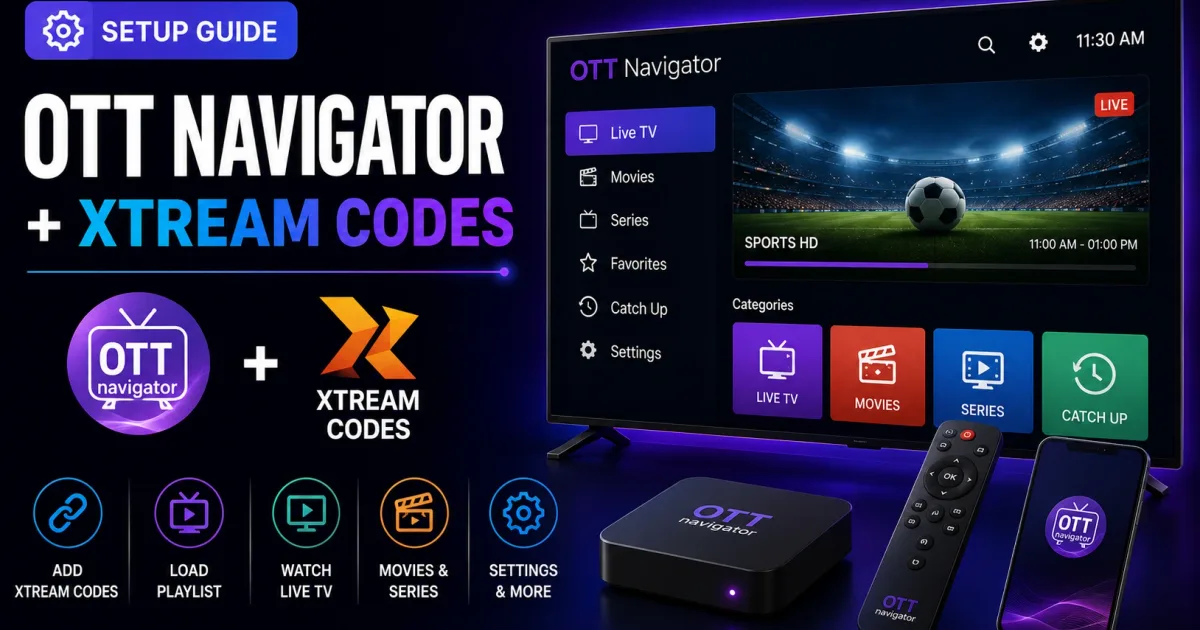
Best Xtream Codes Player Apps for IPTV (2026)
The best Xtream Codes player apps compared — TiviMate, IPTV Smarters, OTT Navigator, XCIPTV, Kodi, VLC — with the right pick for each device.
A player is the app you watch IPTV in. It does two jobs: talk to the Xtream Codes portal to get your channel list, and play the streams. Understanding the flow helps you choose the right app and fix problems when they appear.
What happens when you log in
The login step you complete in a player is a real API call:
- The app sends your host, username, and password to the portal’s authentication endpoint.
- The portal validates the account and returns your profile.
- The app fetches categories and the channel, movie, and series lists.
- The app loads the EPG (program guide) and attaches it to channels.
- When you pick a channel, the app requests the stream and plays it.
Each of those steps maps to an endpoint documented in the Xtream Codes API reference.
Native support vs. playlist mode
- Native Xtream Codes login — the app speaks the API. You get categories, logos, and guide automatically. This is the best experience.
- M3U playlist mode — the app can’t speak the API, so it loads a generated playlist and a separate EPG feed. Workable, but less automatic. See Xtream Codes M3U and Xtream Codes EPG.
What “native support” really means
When an app advertises native Xtream Codes support, it is promising the API flow above works without manual steps: you enter the three credentials, and the app fetches everything — categories, logos, movies, series, and the guide — by itself. The signals to look for:
- A login screen with a “Xtream Codes” (or “portal”) option alongside M3U URL.
- A category list that appears automatically after login.
- Channel logos and EPG that populate without separate setup.
Apps without native support are still usable, but expect to paste a playlist URL and an EPG URL yourself.
Choosing a player
Your device determines the realistic options:
- Android TV / Fire TV — TV-first apps like TiviMate, XCIPTV, or OTT Navigator shine here.
- Phones and tablets — cross-platform apps like IPTV Smarters work well.
- Desktop — VLC plays a playlist instantly; Kodi adds a full media-center layer.
- Media centers — Kodi with the right add-on.
- Smart TVs — Samsung (Tizen) and LG (webOS) have fewer choices; Apple TV fewer still. The device guides explain each platform.
A deeper comparison lives in our blog post IPTV Player Apps That Support Xtream Codes.
A quick player comparison
| Player | Best for | Native Xtream Codes |
|---|---|---|
| TiviMate | Android TV, Fire TV — guide-first | Yes |
| IPTV Smarters | Most platforms, beginners | Yes |
| XCIPTV | Android TV, built-in VPN | Yes |
| OTT Navigator | Power users on Android | Yes |
| Kodi + IPTV Simple Client | Linux, media centers | Via M3U/EPG URLs |
| VLC | Quick playlist test on any OS | Via M3U only |
Common player-side issues
- Player won’t save the login — re-add the account from scratch or clear the app cache.
- Guide empty in one app but fine in another — the app’s EPG refresh or ID mapping is at fault; see troubleshooting.
- Streams buffer only in this app — check the app’s buffer and hardware-decoding settings.
- Channels load but won’t play — try a different stream format (
.m3u8vs.ts) in the app’s settings, or another player to isolate the issue. - Categories missing after login — sign out and back in; some apps fetch categories only at first login.
Keep the account safe
Players store your credentials. Protect the device, avoid installing player apps from unverified sources, and update apps regularly. See Xtream Codes security for the full checklist.
A note on “unofficial” players
Any app that asks for your Xtream Codes credentials deserves scrutiny, regardless of where it claims to come from. Download players only from the official app store or the developer’s site, avoid “preloaded” or cracked builds, and be suspicious of apps that advertise free access to paid channels — they are often after your login. Legitimate players never ask you to share credentials with anyone else.
Related reading
- The Xtream Codes API — the endpoints players call.
- How to log in to Xtream Codes — the login flow in any app.
- Xtream Codes M3U — the fallback for players without native support.
Frequently asked questions
What is a player in Xtream Codes?
A player is the app on your device that connects to the portal, authenticates with your credentials, and plays the streams your account is authorized to watch.
What does 'native Xtream Codes support' mean?
It means the app talks to the portal's player API directly — you enter host, username, and password, and the app builds your channel list, categories, and guide automatically.
Can I use any player?
Any player that supports the Xtream Codes API or accepts an M3U playlist can connect. Which one fits best depends on your device and preferences.
References
Written by
Alex CarterTechnical Writer & IPTV Technology Analyst
Alex Carter is a technical writer and streaming-technology analyst with over a decade of experience documenting IPTV infrastructure, media player software, and streaming protocols. Alex has worked hands-on with Xtream Codes, M3U, and EPG tooling across Fire TV, Android, and smart-TV platforms, and writes approachable guides that respect both the reader's time and the legal boundaries of streaming technology.
- 10+ years documenting streaming and IPTV technologies
- Practical experience with Xtream Codes, M3U, EPG, and player software
- Focused on accurate, sourced, and privacy-respecting guidance
Related guides
api
Xtream Codes API: The Complete Reference
The Xtream Codes player API is a set of HTTP endpoints that power login, channel lists, VOD, series, and EPG in IPTV players. This is the complete practical reference.
setup
How to Log In to Xtream Codes: Step-by-Step
Log in to Xtream Codes by entering three things in your player: the host (server URL), username, and password. Here is exactly how to do it and what to do when it fails.
setup
Xtream Codes Setup: Add Your Account to Any Player
Setting up Xtream Codes is a four-step process: collect credentials, choose a player, add the account, and verify the guide. This guide walks through each step per device type.