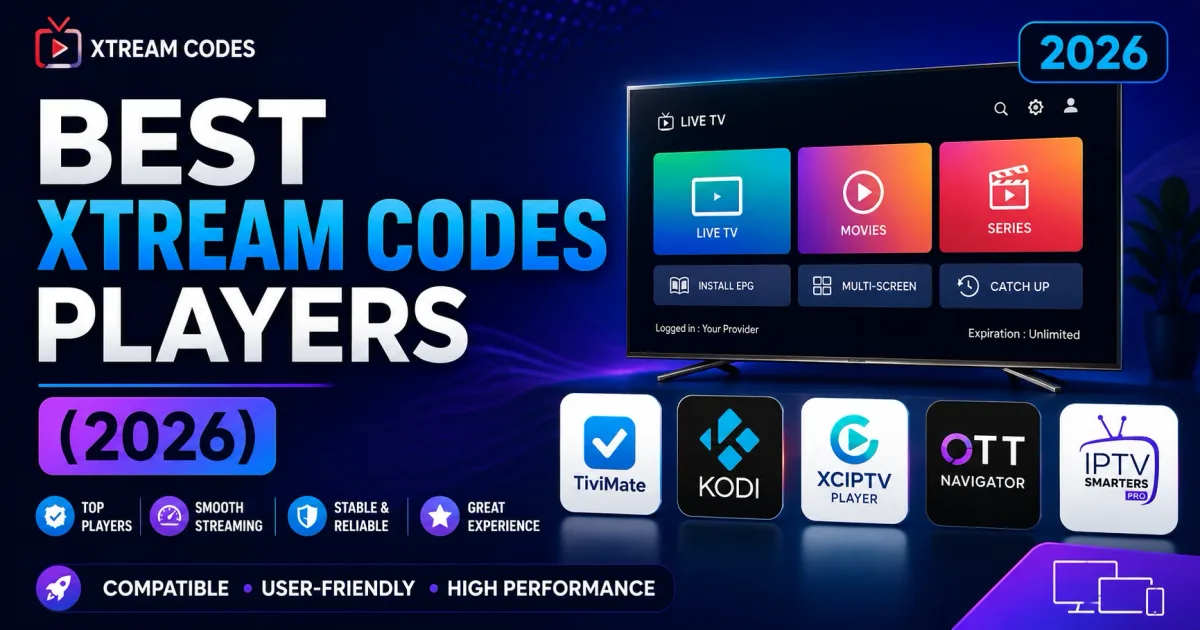
Best Xtream Codes Players Ranked (2026): TiviMate vs Smarters vs OTT Navigator
The 7 best Xtream Codes players ranked and scored for 2026 — TiviMate, IPTV Smarters, OTT Navigator, XCIPTV, Kodi, VLC — with a winner by device type.
If you have an Xtream Codes login, your next question is usually: which app should I watch it in? This ranking compares the players people actually use, scores each one, and gives you a quick pick for your device — so you skip the trial-and-error.
The short answer
For a couch-friendly TV and remote setup, pick TiviMate. For iOS or many devices at once, IPTV Smarters. For power users who want control, OTT Navigator. For a 30-second desktop test, VLC.
2026 Winner: TiviMate
After comparing the field across guide support, stability, customization, and platform reach, TiviMate is the best Xtream Codes player overall — but only on Android TV and Fire TV. It pairs native Xtream Codes login with one of the smoothest 10-foot TV guides, multi-view, favorites, and per-channel logos. Its weakness is that it does not run on phones or desktop.
Ranked list
- TiviMate — 4.9 / 5 — Best on Android TV and Fire TV.
- OTT Navigator — 4.6 / 5 — Best for power users and control.
- IPTV Smarters — 4.4 / 5 — Best cross-platform simplicity.
- XCIPTV — 4.1 / 5 — Best budget Fire TV / Android TV.
- Kodi (via add-ons) — 3.9 / 5 — Best all-in-one media center.
- VLC (as a player) — 3.5 / 5 — Best quick desktop stream test.
Comparison table at a glance
| Player | Xtream API | EPG guide | Multi-view | Cross-platform | Best for | Score |
|---|---|---|---|---|---|---|
| TiviMate | Native | Excellent | Yes | Android TV / Fire TV only | Couch + remote | 4.9 |
| OTT Navigator | Native | Excellent | Multi | Android-first | Power users | 4.6 |
| IPTV Smarters | Native | Good | No | Android/iOS/Win/macOS/TV | Simplicity everywhere | 4.4 |
| XCIPTV | Native | Good | Limited | Android TV / Fire TV | Budget Fire TV | 4.1 |
| Kodi (add-ons) | Via add-on | Via add-on | No | Nearly everywhere | Media center | 3.9 |
| VLC | M3U only | No | No | Desktop, iOS, Android | Quick stream test | 3.5 |
Quick picks by device
| Device | Recommended app | Why |
|---|---|---|
| Android TV / Fire TV with a remote | TiviMate | Full guide, multi-view, 10-foot UI |
| Android phone / tablet | IPTV Smarters or OTT Navigator | Simple login or deep controls |
| iPhone / iPad | IPTV Smarters | Best iOS-native option |
| Windows / macOS | IPTV Smarters or VLC | App plus simple M3U |
| Linux | Kodi or VLC | Cross-platform reliable |
| Existing Kodi setup | Kodi (with Xtream add-on) | One hub for everything |
Where to find each setup walk-through
Once you have picked a player, the next step is a device-specific setup. All of these apps use the same Xtream Codes login, so the flow is identical: enter host, username, and password, and the app builds your channels and guide automatically. The platform walk-throughs cover the details and the common pitfalls on each device:
- Android TV and Android - IPTV Smarters, sideloading, and portal setup and TiviMate setup.
- Fire TV and Firestick - starting from scratch on Fire TV.
- Apple TV and iOS - IPTV Smarters on tvOS works where Android-only players do not.
- Samsung and LG TVs - webOS and Tizen options plus LG webOS.
- Windows, macOS, and Linux - desktop and laptop setup and Linux.
If a player misbehaves after setup - buffering, missing guide, streams that will not play - the troubleshooting guide walks through causes in order. For a quick health check of the service itself (not the app), the IPTV checker confirms whether the portal responds and how many channels it serves.
Now, the detailed breakdown of each player.
What "supports Xtream Codes" means
When an app lists Xtream Codes as a login option, it talks to the portal’s API directly — you enter host, username, and password, and the app builds your channel list, categories, and guide automatically. No manual M3U files needed. Players that skip Xtream Codes can still work via an M3U URL, but you lose automatic guide and logo sync.
TiviMate — rank 1 (4.9)
Best for: Android TV and Fire TV with a remote.
TiviMate is the most polished TV-optimized player and the overall pick. It supports Xtream Codes natively with a stronger channel guide (EPG), favorites, multi-view, and a clean 10-foot interface. Limitation: it targets Android TV, so no phones or desktop, and the full feature set needs a small paid unlock.
OTT Navigator — rank 2 (4.6)
Best for: power users who want control.
OTT Navigator is feature-rich: smart buffering, byte-level playlists, per-channel controls, many customization options, and Xtream Codes integration. A steeper learning curve, but the favorite among enthusiasts who want fine-grained settings.
IPTV Smarters — rank 3 (4.4)
Best for: cross-platform simplicity.
IPTV Smarters is available on Android, iOS, Windows, macOS, and TV platforms, with native Xtream Codes and M3U logins. It has a built-in player and guide and is the most common first app because it works almost anywhere.
XCIPTV — rank 4 (4.1)
Best for: Fire TV and Android TV on a budget.
XCIPTV is lightweight, quick to set up, and supports Xtream Codes with EPG. A solid, no-frills choice when you want something simpler (and cheaper-feeling) than TiviMate.
Kodi (with add-ons) — rank 5 (3.9)
Best for: an all-in-one media center.
Kodi is a full media-center platform. It has no built-in Xtream Codes option, but add-ons provide it, and it plays M3U playlists easily. Scores a bit lower here because Xtream support requires a separate add-on install.
VLC (as a player) — rank 6 (3.5)
Best for: desktop users who just want to watch a stream now.
VLC is not an IPTV player in the app sense, but it plays M3U playlists and direct stream URLs on Windows, macOS, Linux, iOS, and Android. It has no account system or guide, so it is ideal for quick tests or a simple channel list.
How we ranked these apps
We scored each player on six weighted criteria:
- Native Xtream support — direct API login vs via M3U.
- EPG (guide) — how complete and reliable the channel guide is.
- Multi-view — watching several channels at once (TiviMate, OTT Navigator).
- Customization — favorites, grouping, per-channel controls.
- Platform reach — how many devices and operating systems it runs on.
- Learning curve — from fit-and-forget (TiviMate) to power (OTT).
Weights: native Xtream login (30%), EPG (20%), platform reach (20%), customization (15%), plus small weights for learning curve and management complexity. Scores are rounded to one decimal.
Objectivity note
No player vendor pays for placement here. Scores reflect publicly documented features and hands-on behavior, not commercial relationships.
How to choose
- Match the device. Android TV/Fire TV → TiviMate or XCIPTV. Phones/desktop → IPTV Smarters or VLC. Media center → Kodi.
- Check the guide. If you want a full TV-guide experience, TiviMate and OTT Navigator lead.
- Try two. All of these support the same Xtream Codes login, so you can compare and keep your favorite.
The same login, everywhere
Because Xtream Codes standardizes the API, credentials you use in one player generally work in the others. Just remember:
- Respect your provider’s simultaneous-connection limit.
- Never share your username and password.
- Only stream content you are authorized to access.
Related reading
- How to log in to Xtream Codes — the login flow in any app.
- Xtream Codes player — how players connect to portals.
- The Xtream Codes API — what happens under the hood.
Frequently asked questions
What is the best Xtream Codes player?
For TV and remote use, TiviMate is the strongest overall pick thanks to its guide, multi-view, and polish. IPTV Smarters remains the best cross-platform choice, OTT Navigator leads for power users, and VLC is best for a quick desktop test.
Do these apps work on any device?
Not all of them. TiviMate targets Android TV and Fire TV. IPTV Smarters, OTT Navigator, and XCIPTV are Android-first. Kodi and VLC run on virtually everything, including desktop and iOS. Use the quick-picks table below to match your device.
Are these players free?
Most are free or freemium. TiviMate's Premium unlock is paid but optional. IPTV Smarters offers an ad-free premium variant. Kodi, VLC, and XCIPTV's core use are free. There is no hidden player fee for basic use.
Can I use the same Xtream login in every player?
Yes — because Xtream Codes standardizes the portal API, the same host, username, and password typically work across all of these apps. Respect your provider's simultaneous-connection limit and never share your credentials.
Is it legal to use these players?
Yes — the players are neutral software. Legality depends on the content you stream through them. Only use apps and services with content you are authorized to access.
References
Written by
Alex CarterTechnical Writer & IPTV Technology Analyst
Alex Carter is a technical writer and streaming-technology analyst with over a decade of experience documenting IPTV infrastructure, media player software, and streaming protocols. Alex has worked hands-on with Xtream Codes, M3U, and EPG tooling across Fire TV, Android, and smart-TV platforms, and writes approachable guides that respect both the reader's time and the legal boundaries of streaming technology.
- 10+ years documenting streaming and IPTV technologies
- Practical experience with Xtream Codes, M3U, EPG, and player software
- Focused on accurate, sourced, and privacy-respecting guidance
Related guides
fundamentals
What is Xtream Codes API? How the Protocol Works
Xtream Codes started as portal software and its API became an industry standard. Here is what that means — what the API does, what the key terms mean, and how players use it.
troubleshooting
Xtream Codes Not Working: 9 Fixes That Actually Solve It
Most Xtream Codes failures trace to one of nine root causes. Work through this checklist in order and you will find your problem within minutes.