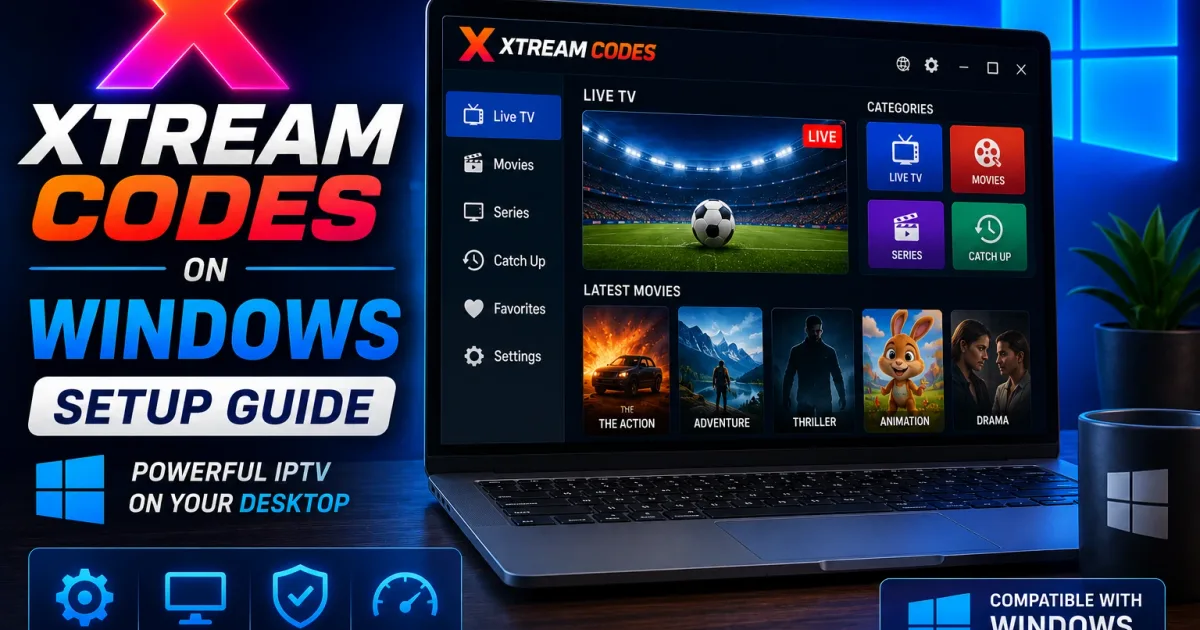
How to Use Xtream Codes on Windows PC (IPTV Setup Guide)
How to watch Xtream Codes on Windows — set up IPTV Smarters Pro, use VLC with an M3U playlist, or use Kodi. Step-by-step instructions for PC.
Windows doesn’t have a dedicated Xtream Codes app. Instead, you use a desktop player — either one with a portal login, or VLC pointed at your M3U playlist. Both work; this guide covers each and how to stay secure on a PC.
Option A — IPTV Smarters Pro (portal login)
IPTV Smarters Pro is a Windows desktop app with a native Xtream Codes login:
- Download IPTV Smarters Pro from the official site and install.
- Open the app and choose Xtream Codes.
- Enter your host, username, and password.
- Channels, categories, and the guide load automatically.
Login problems? See How to log in to Xtream Codes.
Option B — VLC (M3U playlist)
VLC is free and plays Xtream Codes streams through the provider’s playlist:
- Install VLC from the official site.
- Get your M3U playlist URL from your provider — see Xtream Codes M3U.
- In VLC, press Ctrl+L and paste the URL, or open a saved
.m3ufile. - Use the playlist panel to pick a channel.
VLC is great for testing a stream quickly, but it has no TV-style guide — it’s a playlist of channels, not an EPG experience.
Option C — Web players (if your provider offers one)
Some providers give a browser-based player. Only use the one from your provider’s own dashboard — never a random website that asks for your host/username/password. See Xtream Codes security.
Windows-specific notes
- Firewall: if streams won’t open, make sure your player (especially VLC) is allowed through Windows Firewall.
- Playlist files are plain text: a saved
.m3ufile exposes your credentials if it contains the full URL. Keep it in a private folder, not your Desktop where it’s visible. - Antivirus: download players only from official sites; “cracked” or repackaged players are a common malware vector on Windows.
Troubleshooting on Windows
If streams play in VLC but not in IPTV Smarters (or vice versa), the issue is player-specific. Try the other app to isolate it. For login failures and buffering, see:
- Xtream Codes troubleshooting — login failures, buffering, and EPG problems
- Xtream Codes error messages — what specific error messages mean
- How Xtream Codes login works — understand what happens during login
Related guides
- Xtream Codes setup — generic setup steps for any player
- Xtream Codes M3U playlist — get your M3U URL
- Xtream Codes security — keep your credentials safe on a shared PC
- Multiple screens: desktop players handle multi-monitor setups well — move the player to the TV screen and keep controls on your monitor.
Which Windows route should you pick?
| Need | Best choice |
|---|---|
| Quick channel test | VLC + M3U URL |
| Full TV experience with guide | IPTV Smarters Pro |
| Media center / library management | Kodi + IPTV Simple Client |
| Lightest footprint | VLC |
Common Windows problems
- VLC opens but no channels show — the playlist URL may be wrong or the account expired; paste the URL in a browser to check the response.
- Player blocked by the firewall — allow the app through Windows Firewall in Settings → Firewall & network protection.
- Video judder or stutter — enable VLC’s hardware acceleration (Tools → Preferences → Input/Codecs → Hardware-accelerated decoding).
- Desktop app won’t start — reinstall from the official site; some older players require a specific .NET or Visual C++ runtime.
- Credentials visible in file explorer previews — a saved playlist can preview its content; keep
.m3ufiles in a non-indexed folder.
Keep it safe
- Use your own authorized account and content only.
- Never paste your playlist URL or credentials into a support chat or unknown website.
- Log out of shared or work PCs when you’re done.
Related reading
- Xtream Codes M3U — what the playlist is and how the URL is built.
- Xtream Codes setup — the generic four-step setup.
- Xtream Codes security — protect the credentials in your playlist.
Frequently asked questions
Is there an Xtream Codes app for Windows?
No official Xtream Codes app exists. Use a desktop IPTV player like IPTV Smarters Pro, or open your M3U playlist in VLC.
Can I watch Xtream Codes in VLC on Windows?
Yes. VLC plays the provider's M3U playlist directly — open the get.php URL or load a saved .m3u file, then pick a channel from the playlist.
Is my Xtream Codes password visible in a VLC playlist?
The M3U URL can embed your username and password. Anyone who sees the playlist file or URL can use it, so treat it like a password and don't share it.
References
Written by
Alex CarterTechnical Writer & IPTV Technology Analyst
Alex Carter is a technical writer and streaming-technology analyst with over a decade of experience documenting IPTV infrastructure, media player software, and streaming protocols. Alex has worked hands-on with Xtream Codes, M3U, and EPG tooling across Fire TV, Android, and smart-TV platforms, and writes approachable guides that respect both the reader's time and the legal boundaries of streaming technology.
- 10+ years documenting streaming and IPTV technologies
- Practical experience with Xtream Codes, M3U, EPG, and player software
- Focused on accurate, sourced, and privacy-respecting guidance
Related guides
setup
Xtream Codes Setup: Add Your Account to Any Player
Setting up Xtream Codes is a four-step process: collect credentials, choose a player, add the account, and verify the guide. This guide walks through each step per device type.
devices
How to Use Xtream Codes on Linux (Kodi, VLC, IPTV Smarters)
Linux users can watch Xtream Codes with Kodi, IPTV Smarters Pro, or VLC. This guide covers all three routes with distro-specific install commands.
players
Best Xtream Codes Player Apps for IPTV (2026)
Choosing the right Xtream Codes player depends on your device. This guide covers every major app, how they connect to portals, and which one fits your setup.