IPTV Testing Tools
IPTV Testing Tools
Measure your IPTV service's speed, quality, and reliability — speed tests, buffering analysis, checkers, validators, converters, and preview tools, all for your own authorized access.
All paste- and file-based tools run 100% in your browser — nothing is uploaded to any server. Only the IPTV Checker connects to your portal from our server, and it stores nothing.
We connect to your portal from our server and report live status, latency, channel count, and expiry. No data is stored.
API & Integration

Troubleshooting

IPTV Buffering Test: Diagnose Why Streams Stutter
An IPTV buffering test isolates whether stuttering comes from your connection or the service. This guide covers player buffering stats, ffprobe stream analysis, and portal latency checks to find the cause.
IPTV Checker: How to Test Whether an IPTV Service Works
An IPTV checker tests whether your subscription actually works: valid credentials, reachable portal, working streams, and channel counts. This guide covers what these tools measure and how to run the checks on your own service.
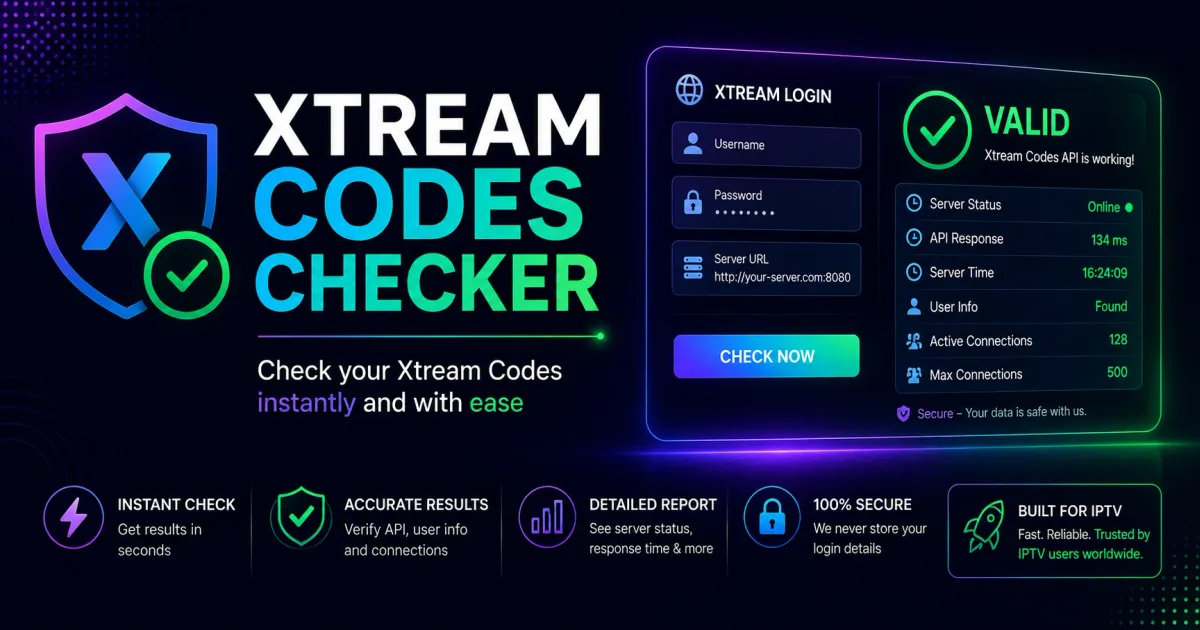
Xtream Codes Checker: Test Your Login Credentials Online
An Xtream Codes checker tests your portal login and tells you whether the credentials are valid, the account is active, and how many connections you have used.
Players & Apps
Fundamentals
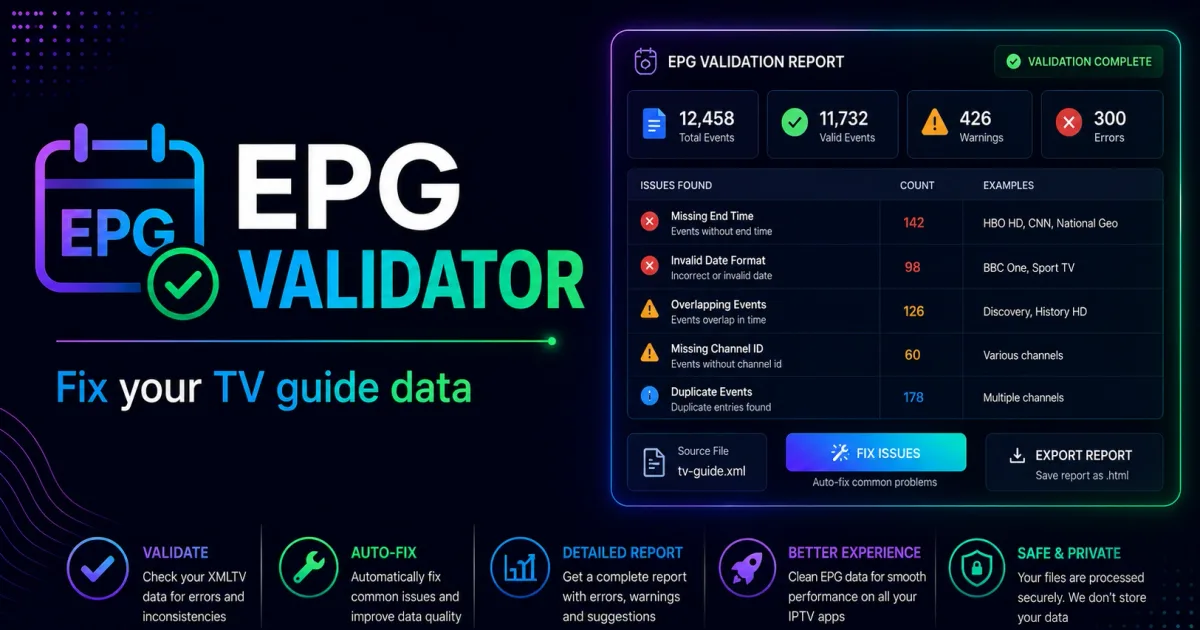
EPG Validator: How to Check Your Xtream Codes Guide Data
An EPG validator checks your XMLTV feed's structure, channel IDs, and timezones so the program guide populates. This guide covers what validators verify and how to check a feed on your own portal.

M3U to Xtream Codes Converter: Convert Between Formats
M3U and Xtream Codes use different formats for the same streams. This guide covers how to convert between them and what changes in the process.

M3U Validator: How to Check an Xtream Codes Playlist
An M3U validator checks a playlist's structure and stream URLs so you can find broken or malformed entries before loading it. This guide covers what validators look for and how to run them on your own playlist.
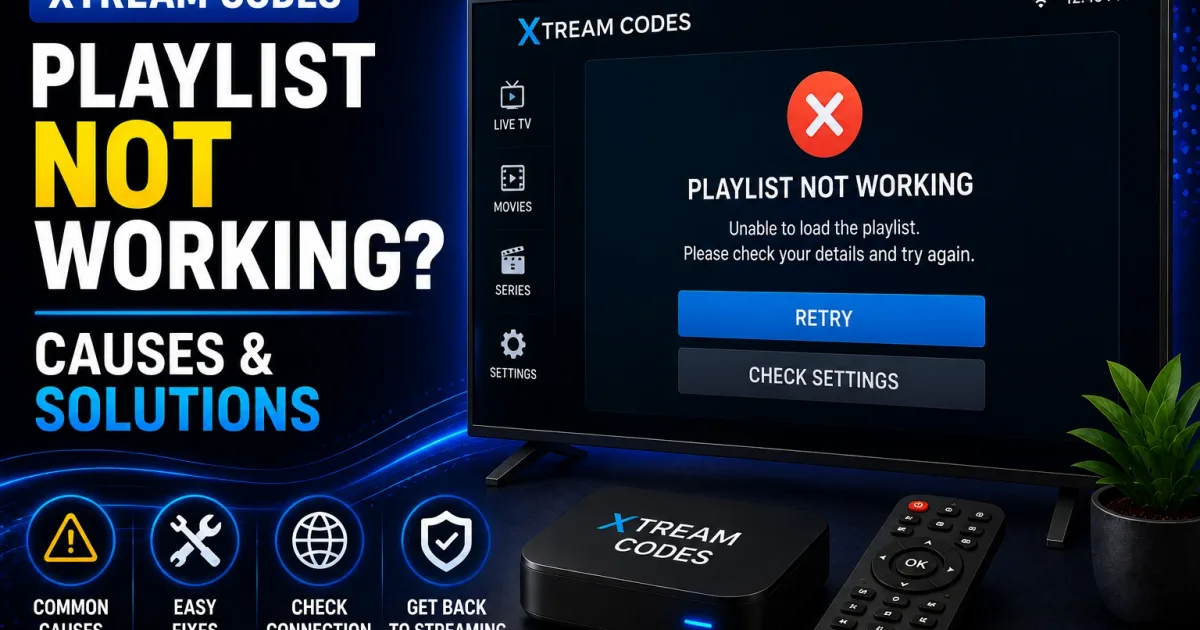
Playlist Editor: How to Organize an Xtream Codes M3U
A playlist editor helps you rename channels, fix grouping, remove duplicates, and clean out dead entries in an M3U. This guide covers safe editing and what to avoid so the file stays valid.
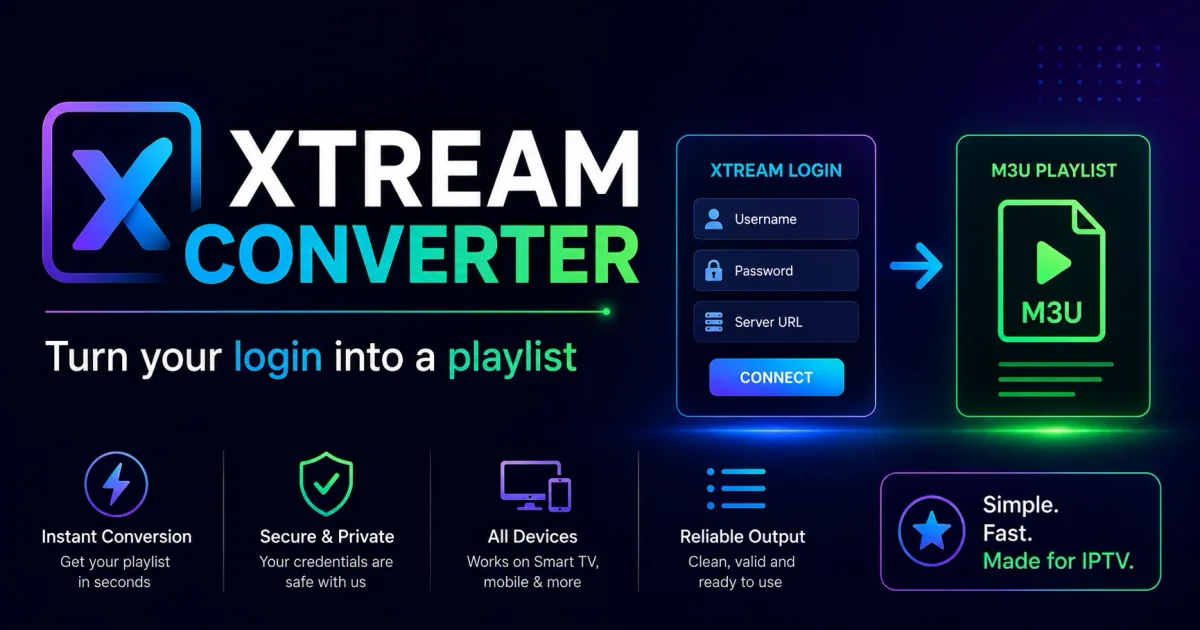
Xtream Converter: Turn Xtream Codes Login Into a Playlist
An Xtream converter takes your portal URL, username, and password and produces the derived links — M3U playlists and direct stream URLs — that players actually need. This guide explains the conversion and the security rules.
Get the latest Xtream Codes guides
New articles, security advisories, and troubleshooting tips — one email, no spam, unsubscribe anytime.