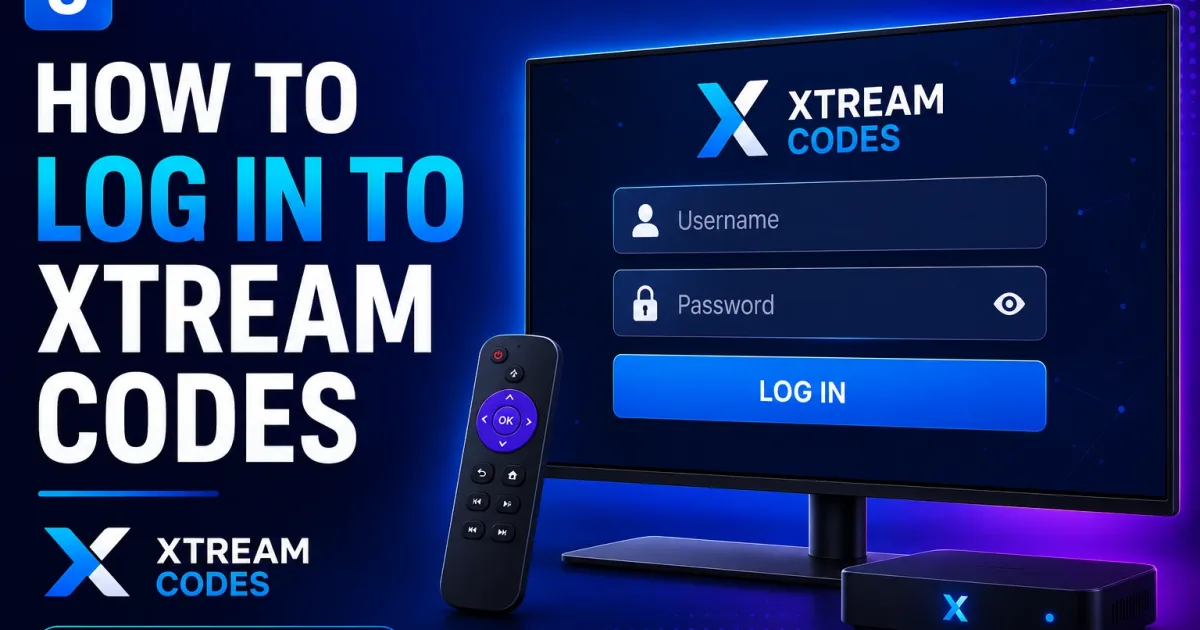
How to Log In to Xtream Codes: Step-by-Step
Step-by-step instructions for logging in to Xtream Codes in any IPTV player using your host, username, and password - plus fixes for common failures.
Logging in to Xtream Codes is simple once you know what the app is asking for. This guide walks through the login screen in any player, explains the fields, and gives you a checklist for the most common login failures.
What you need before you start
You need three pieces of information from your IPTV provider:
- Host (or Server / Portal URL) — for example
http://provider.example:8080 - Username — your subscriber username
- Password — your subscriber password
Where to find them
Providers normally send these details by email or give them in an account dashboard. If you only received a long link that looks like http://host:port/username/password, your host, username, and password are all inside it — split on the / characters.
Step-by-step: log in to Xtream Codes
The login flow below applies to most players — TiviMate, IPTV Smarters, XCIPTV, OTT Navigator, and others.
- Install the player app on your device.
- Open the app and choose the Xtream Codes login type. You will usually see options like M3U URL, Xtream Codes, and Playlist. Select Xtream Codes.
- Enter the server/host. Paste the full host your provider gave you. It may look like:
provider.examplehttp://provider.example:8080http://provider.example:25461
- Enter your username and password. Type them carefully — trailing spaces are a common cause of failures.
- Tap login/sign in. The app contacts the portal, verifies your account, and loads categories and channels.
If everything is correct, your channel list appears within a few seconds.
What a successful login looks like
You’ll see your provider’s categories (for example News, Sports, Kids) and your account details such as expiry date. The app may also load the EPG guide automatically.
Understanding the login fields
| Field | Also called | What goes here |
|---|---|---|
| Host | Server, Portal URL, Domain | The address of the portal, including port if specified |
| Username | User, User ID | Your subscriber username |
| Password | Pass | Your subscriber password |
Some apps ask for a MAC address or Device ID instead of a username/password. That is a different login method (stb emulator style) — it is not an Xtream Codes login.
Common login failures and fixes
If login fails, work through this checklist in order:
- Wrong login type selected. Make sure the app is set to Xtream Codes, not M3U URL or STB.
- Typo or trailing space. Re-type the username and password manually instead of copying from a chat message.
- Missing port. A host like
provider.examplemay need a port, e.g.provider.example:8080. Use the exact value your provider gave. - Expired or disabled account. Check your account status. A common Xtream Codes response marks accounts as Expired or Disabled.
- Connection limit reached. Your account may allow only one or two simultaneous streams. Disconnect the other device and try again.
- Server offline. Ask your provider whether the server is running, or try again later.
- App/device time wrong. Some portals are sensitive to clock skew. Make sure your device time and timezone are correct.
Account status matters
Xtream Codes portals return an account status alongside the login result: typically Active, Expired, Disabled, or Trial. If the app shows an expiry date in the past, the account is expired regardless of the password.
How the login actually works
When you tap login, the player calls the portal’s API endpoint with your credentials. The portal replies with your account information and, if authorized, the channel data. This exchange is what the Xtream Codes API reference documents — you don’t need to understand it to log in, but it helps when things go wrong.
A note on browser logins
A common source of confusion: Xtream Codes is not a website you “log in to” as a subscriber. The login happens inside a player app. Some providers offer an admin web panel for management, but as a subscriber you usually won’t use it.
Next steps
- What is Xtream Codes? — the concepts behind the login.
- Xtream Codes URL explained — what each part of the address means.
- Xtream Codes troubleshooting — fix login, buffering, and stream problems.
- Xtream Codes security — keep your credentials safe.
- Xtream Codes authentication — how login works under the hood.
- Xtream Codes errors — what common error messages mean.
Frequently asked questions
Why does my app ask for a 'portal URL'?
The portal URL is simply the host address of the Xtream Codes server — the same thing as the 'server' or 'host' field. Enter it exactly as your provider supplied it, including the port number if there is one.
Can I log in to Xtream Codes in a web browser?
Some portals expose a web panel for administrators, but subscribers typically log in through a player app, not a browser. Check with your provider if you need a browser-based interface.
My login works in one app but not another.
Credentials are usually the same everywhere. If one app fails, check for trailing spaces, wrong login type, or the provider's simultaneous-connection limit before assuming the password is wrong.
How many devices can use one Xtream Codes login?
That depends on your provider's configuration. Xtream Codes accounts carry a 'maximum connections' setting. Once you hit that limit, new logins are refused until another device disconnects.
References
Written by
Alex CarterTechnical Writer & IPTV Technology Analyst
Alex Carter is a technical writer and streaming-technology analyst with over a decade of experience documenting IPTV infrastructure, media player software, and streaming protocols. Alex has worked hands-on with Xtream Codes, M3U, and EPG tooling across Fire TV, Android, and smart-TV platforms, and writes approachable guides that respect both the reader's time and the legal boundaries of streaming technology.
- 10+ years documenting streaming and IPTV technologies
- Practical experience with Xtream Codes, M3U, EPG, and player software
- Focused on accurate, sourced, and privacy-respecting guidance
Related guides
troubleshooting
Xtream Codes Troubleshooting: Fix Login & Stream Errors
Troubleshooting IPTV is about isolating the fault — credentials, network, device, or provider. This guide gives a tested sequence of checks for the most common Xtream Codes failures.
fundamentals
Xtream Codes URL Format: Host, Port, Username and Password Explained
Every Xtream Codes connection uses a host URL, port, username, and password. This guide breaks down exactly what each part is and how to use it correctly.
fundamentals
Xtream Codes: What It Is and How It Works
Xtream Codes is the server-side API platform that powers most IPTV subscriptions. Here is what the technology actually is, from portal to player.