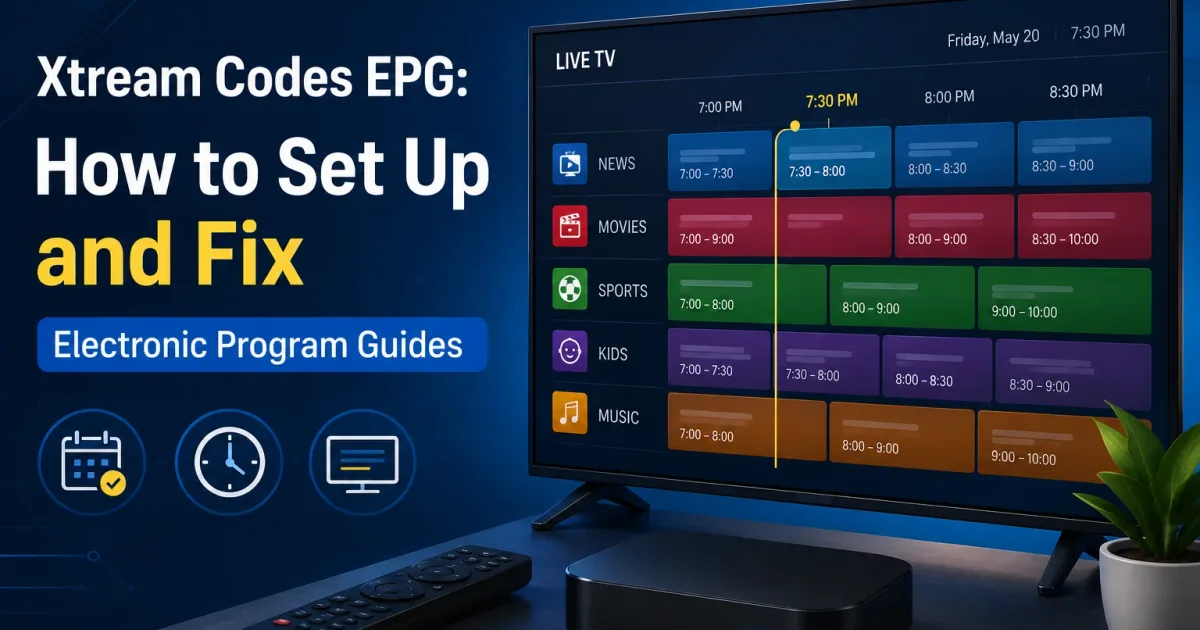
Xtream Codes EPG Setup: Add a Program Guide to Your IPTV Player
How to set up EPG (Electronic Program Guide) for Xtream Codes — find your XMLTV URL, add it to your player, fix empty guides, and resolve channel ID mismatches.
An Electronic Program Guide (EPG) turns a list of stream URLs into the familiar TV grid — the show now, the show next, and what is on later. Every IPTV player relies on program data that is separate from the streams themselves, and how that data is delivered decides whether your channels show a schedule or a blank “No information” box.
This guide explains where Xtream Codes portals keep EPG data, how the technical pieces (channel IDs, timestamps, and timezones) fit together, and how to fix the most common alignment problems. It is written for beginners, so we cover the plain-terms mental model first and then the settings to touch.
Why a program guide is separate from your channels
A stream is just a video you can play. It has no idea what is currently on. The EPG is scheduled metadata supplied separately: for each channel, a list of programs with a start time, a stop time, a title, and often a description. Players download this schedule and overlay it on the channel list. That is why you can change a channel’s guide without touching the channel itself, and why supplying the wrong schedule leaves a working channel with no program information.
How EPG data gets to your player
Program data travels as an XMLTV feed: an XML document that lists programs, each tagged with a channel ID, start time, and title. Your player downloads this feed and merges it with your channel list.
Xtream Codes portals commonly expose the feed at a URL like:
https://portal.example.com:8080/xmltv.php?username=YOUR_USER&password=YOUR_PASSWith a native API login, many players fetch and attach the EPG automatically. With an M3U playlist, you usually add the feed URL manually as the guide source.
The matching problem
A feed describes programs for a channel ID. A playlist names each channel with a tvg-id. The player only shows a schedule when the two match:
#EXTINF:-1 tvg-id="bbc.one.uk" tvg-logo="...",BBC One<channel id="bbc.one.uk"><display-name>BBC One</display-name></channel>If tvg-id says bbc.one.uk but the feed calls the channel bbc1, the schedule stays blank. This mismatch is the single most common EPG problem.
How the schedule is timestamped
XMLTV stores every program’s start and stop time as a UTC timestamp with a timezone suffix, in YYYYMMDDHHMMSS format. A real entry looks like this:
<programme start="20260731190000 +0000" stop="20260731193000 +0000" channel="bbc.one.uk">
  <title>BBC News</title>
</programme>
The 20260731190000 +0000 value means July 31, 2026 at 19:00:00 UTC. Because UTC is an absolute instant, the same entry shows correct local times no matter what timezone the viewer’s player runs in. When programs appear on screen at the wrong clock time, it is almost always one of two causes: the player is showing events in UTC instead of your local zone, or a third-party feed baked in a different timezone offset when it was generated. Fix the timezone in the player’s EPG settings rather than editing the feed.
Why some channels are blank while others work
Blanks are per-channel, not per-feed. They mean that particular channel’s identifiers do not align:
| Situation | Likely cause |
|---|---|
| The same channels are blank in two players | The provider’s feed genuinely lacks IDs for those channels |
| Blank only in one player | That player’s EPG source is missing or stale |
| Channels show but wrong program | tvg-id matches the wrong feed entry (duplicate IDs) |
Because matching is done on the channel ID, empty schedules point to either a missing entry or a tvg-id that differs from the feed ID. Fix by mapping the channel to the correct feed entry in the player, or by swapping the playlist for one whose IDs match the feed.
Setup steps
- Get the guide URL. In a native login, confirm the player loaded EPG automatically. Otherwise find the
xmltv.php(or similar) URL your provider documents. - Enter it in the player. Players like TiviMate, IPTV Smarters, and OTT Navigator have a guide-source or EPG section separate from the playlist.
- Assign missing IDs. If channels are blank, many players let you map a channel to a feed entry manually.
- Refresh. Guides cache; players refresh on a schedule (often every few hours) or on demand. Large public feeds are usually regenerated hourly; most players re-download them at an interval you can set, ranging from 1 to 24 hours. A stale cache is why a schedule can look fine one day and blank the next.
When EPG isn’t provided
Not every provider publishes a feed. Options:
- Check the provider’s support docs or forum for the exact URL.
- Use a public or community-maintained XMLTV feed for free-to-air channels.
- Keep the playlist ID column aligned with whatever feed you use.
Quick troubleshooting
- “No information” everywhere → the feed URL is wrong, or the player hasn’t refreshed.
- Some channels blank → those channel IDs are missing from the feed, or the
tvg-iddiffers from the feed ID. - Wrong times → the feed is in a different timezone; set your player to the correct zone.
For deeper fixes, see Xtream Codes troubleshooting.
A compact checklist
- The feed URL is the guide source, and your playlist or login is the channel source — they are two settings.
- Programs are keyed by channel ID, so make the playlist
tvg-idand the feed ID match. - XMLTV times are UTC timestamps; set the player to your timezone.
- If one player shows a schedule and another does not, the difference is the player’s guide source and refresh settings, not your account.
- Credentials in the feed URL mean the URL is a secret — treat it like the playlist itself.
Security notes
Like playlist URLs, guide URLs can contain credentials. Keep them private, and rotate your password if one leaks. See Xtream Codes security for the full picture.
Related reading
- Xtream Codes M3U — how the playlist and its
tvg-idcolumn work. - Xtream Codes player — how players fetch and merge the guide.
- Xtream Codes URL explained — the endpoints behind your connection.
Frequently asked questions
What does EPG stand for?
Electronic Program Guide — the schedule data that lets a player show what channel is airing now and what comes next.
Do Xtream Codes portals include an EPG?
Most do. The portal typically exposes an XMLTV feed (often via xmltv.php) that you add as a guide source in your player, alongside your playlist or API login.
Why are some channels showing 'No information'?
Usually the channel's tvg-id in the playlist does not match an ID in the EPG feed. Players match programs to channels by these IDs, so a mismatch means no schedule.
References
Written by
Alex CarterTechnical Writer & IPTV Technology Analyst
Alex Carter is a technical writer and streaming-technology analyst with over a decade of experience documenting IPTV infrastructure, media player software, and streaming protocols. Alex has worked hands-on with Xtream Codes, M3U, and EPG tooling across Fire TV, Android, and smart-TV platforms, and writes approachable guides that respect both the reader's time and the legal boundaries of streaming technology.
- 10+ years documenting streaming and IPTV technologies
- Practical experience with Xtream Codes, M3U, EPG, and player software
- Focused on accurate, sourced, and privacy-respecting guidance
Related guides
fundamentals
Xtream Codes M3U Playlist: How to Get and Use It
Your Xtream Codes portal can generate an M3U playlist URL that any media player can load. Here is how to find it, what it contains, and when it makes sense to use it.
fundamentals
Xtream Codes FAQ: Most Common Questions Answered
Quick answers to every common Xtream Codes question, with links to the full guide for each topic.
players
Best Xtream Codes Player Apps for IPTV (2026)
Choosing the right Xtream Codes player depends on your device. This guide covers every major app, how they connect to portals, and which one fits your setup.