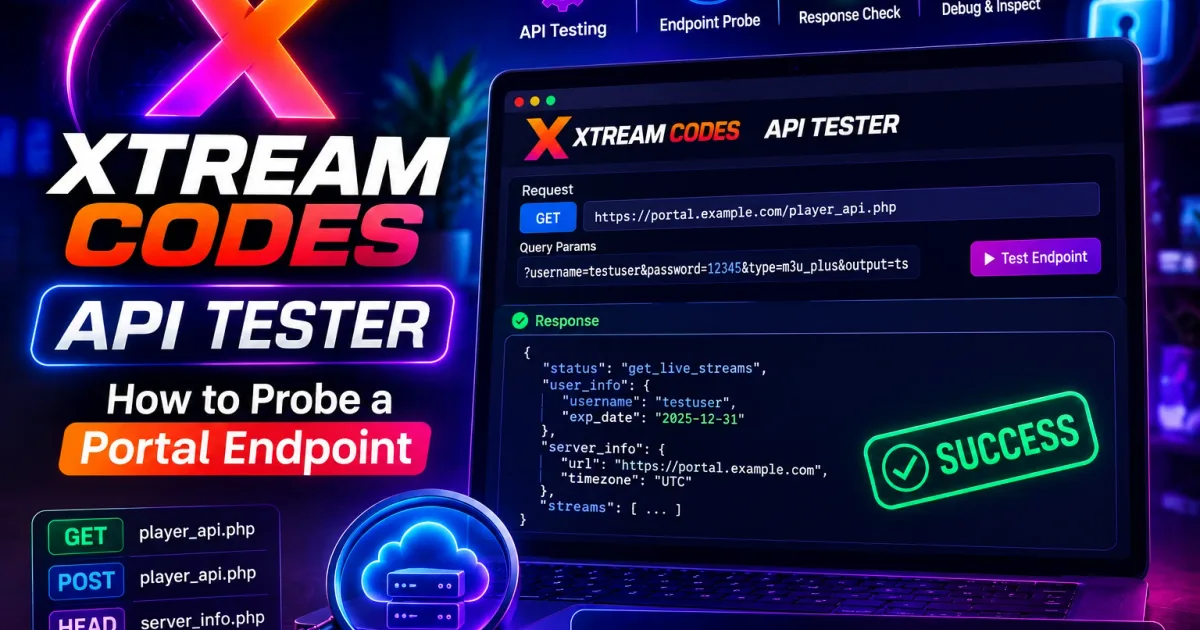
Xtream Codes API Tester: How to Probe a Portal Endpoint
How to test the Xtream Codes API against your own portal — verify authentication, list live/VOD/series categories, and read EPG data with curl or a REST client.
An API tester sends raw requests to a Xtream Codes portal and shows you the JSON the portal returns. It’s the debugging tool for developers and power users — the way to verify authentication, enumerate categories, and check EPG data against your own portal. This guide covers the safe way to probe a portal.
The endpoints you’ll test
Every Xtream Codes portal exposes player_api.php. The core read endpoints are:
| Purpose | Endpoint |
|---|---|
| Authentication + account status | player_api.php?username=U&password=P |
| Categories (live/VOD/series) | ...&action=get_live_categories / get_vod_categories / get_series_categories |
| Stream lists | ...&action=get_live_streams / get_vod_streams / get_series |
| EPG | ...&action=get_short_epg&stream_id=ID |
| VOD info | ...&action=get_vod_info&vod_id=ID |
The full parameter reference is in The Xtream Codes API.
Testing with curl
Authentication check:
curl "http://portal.example:8080/player_api.php?username=USER&password=PASS"Live categories:
curl "http://portal.example:8080/player_api.php?username=USER&password=PASS&action=get_live_categories"Stream list for a category (add category_id):
curl "http://portal.example:8080/player_api.php?username=USER&password=PASS&action=get_live_streams&category_id=1"Short EPG for one stream:
curl "http://portal.example:8080/player_api.php?username=USER&password=PASS&action=get_short_epg&stream_id=1001"Testing with a REST client
A REST client like Postman or Insomnia makes exploration easier:
- Create a request for
player_api.phpwith your username and password as query params. - Start with no
actionto confirm authentication. - Add actions one at a time and save the working requests as a collection.
- Keep credentials out of any shared/synced collection — store them as an environment variable.
Security note: your username and password are in every URL. A REST client with cloud sync can leak them to third-party services. Prefer a local tool, or a private environment. See Xtream Codes security.
Reading the responses
user_info— confirmsauthandstatus(see authentication).- Categories — each entry has
category_id,category_name, andparent_id. Empty results mean the account has no content in that type. - Streams — each entry has
stream_id,name, andstream_icon. The playback URL is derived:/live/USER/PASS/STREAMID.m3u8. - EPG —
epg_listingsarrays withstart,stop, andtitle. See Xtream Codes EPG.
Good practices when testing
- Test only your own portal and credentials.
- Keep request rates low — loops of rapid requests can trigger rate limiting.
- Use read-only actions first — there’s no write API for normal accounts, so if a tool offers to “modify” the portal, treat it as suspicious.
- Scrub credentials before pasting responses into forums or issue trackers.
A practical debugging sequence
When a player fails but you’re not sure why, probing the API in order isolates the fault faster than trial and error:
- Authentication only — run
player_api.phpwith no action. A validuser_infowithauth: 1rules out the login itself. Ifauthis0or the HTTP status is401, the credentials, the account expiry, or the connection limit is the problem. See authentication. - One category list —
get_live_categories. Empty output here means the account has no live content assigned, even though the login succeeded. - One stream list —
get_live_streams. Compare thestream_idandnameagainst what your player shows. A channel listed here but not in the player points to an app-side refresh or EPG issue, not the API. - EPG for a single channel —
get_short_epg&stream_id=ID. Missingepg_listingsmeans the guide data for that channel is empty at the source, which no player can fix.
Reading HTTP status codes
The portal answers with standard HTTP statuses, and they pin down the cause quickly:
200with valid JSON — the endpoint is reachable and healthy; inspect the payload.401/403— authentication rejected. Check username, password, and whetherauthis enabled.404— the endpoint or action path is wrong (for example, a typo inaction=, or the portal doesn’t support that route).429— you’ve hit a rate limit or connection cap; back off.- Timeout / connection reset — usually a network, firewall, or wrong-port problem rather than a credentials problem.
For a deeper explanation of each code, the general HTTP status overview applies. Treat these signals together with the user_info payload, and you can separate “my login is wrong,” “my account has no content,” and “my network is blocked” in a few requests.
Related reading
- The Xtream Codes API — full endpoint reference.
- Xtream Codes Authentication — what
user_infomeans. - Xtream Codes EPG — the guide endpoints.
Frequently asked questions
What is an Xtream Codes API tester?
A way to send raw requests to a portal's player_api.php endpoints and inspect the JSON responses, used to debug an account or verify behavior before building an integration.
Which API requests should I test first?
Start with authentication (user_info), then the category and stream lists. The API reference lists every endpoint and its parameters.
Is testing the API different from using a checker?
A checker only tests the login. An API tester probes the whole endpoint surface — categories, streams, series, and EPG — so it overlaps but goes further.
Can API testing hurt my account?
Normal read requests on your own account are fine. Avoid hammering endpoints in tight loops, which can trigger rate limiting or abuse detection on the portal.
References
Written by
Alex CarterTechnical Writer & IPTV Technology Analyst
Alex Carter is a technical writer and streaming-technology analyst with over a decade of experience documenting IPTV infrastructure, media player software, and streaming protocols. Alex has worked hands-on with Xtream Codes, M3U, and EPG tooling across Fire TV, Android, and smart-TV platforms, and writes approachable guides that respect both the reader's time and the legal boundaries of streaming technology.
- 10+ years documenting streaming and IPTV technologies
- Practical experience with Xtream Codes, M3U, EPG, and player software
- Focused on accurate, sourced, and privacy-respecting guidance
Related guides
fundamentals
Xtream Converter: Turn Xtream Codes Login Into a Playlist
An Xtream converter takes your portal URL, username, and password and produces the derived links — M3U playlists and direct stream URLs — that players actually need. This guide explains the conversion and the security rules.
troubleshooting
IPTV Buffering Test: Diagnose Why Streams Stutter
An IPTV buffering test isolates whether stuttering comes from your connection or the service. This guide covers player buffering stats, ffprobe stream analysis, and portal latency checks to find the cause.
players
IPTV Channel Viewer: Preview Streams Before You Commit
An IPTV channel viewer lets you browse and preview the channels in a playlist — names, logos, groups, and stream health — before loading it into a full player. This guide covers what viewers show and how to use them.