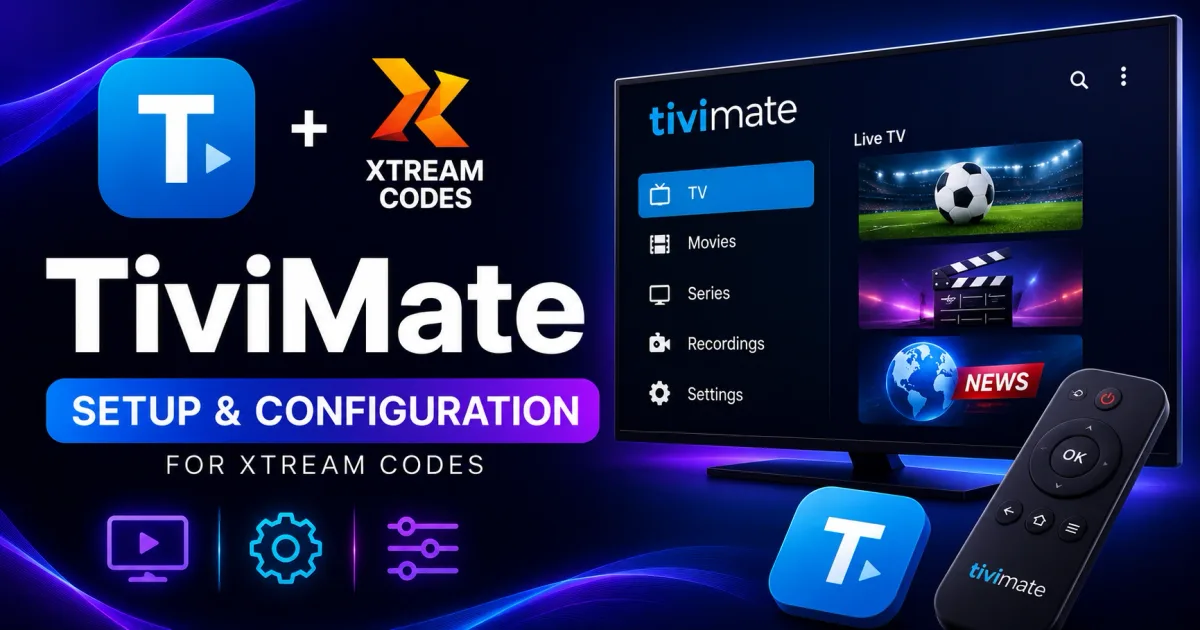
TiviMate Xtream Codes Setup: Add Your Portal on Android TV
How to set up TiviMate with Xtream Codes on Android TV and Fire TV — add your portal, configure EPG, tune playback settings, and fix common problems.
TiviMate is one of the most popular players for Xtream Codes on Android TV and Fire TV. It is remote-friendly, guide-first, and supports the portal login natively, which makes it a common recommendation for anyone with a streaming box.
What you need before you start
- A TiviMate-capable device — Android TV, Fire TV, or another Fire OS device.
- A TiviMate account — free tier or premium subscription.
- Your Xtream Codes credentials — host, username, and password.
Install
- Android TV: search the Play Store for TiviMate and install.
- Fire TV: TiviMate is not in the Amazon store, so sideload it — see the Firestick setup guide.
- Only download the APK from the official site.
Add your portal
- Open TiviMate and choose Add playlist → Xtream Codes.
- Enter the portal URL (host and port), username, and password.
- TiviMate fetches channels, categories, movies, and series.
If login fails, work through login troubleshooting.
First launch tip
On a fresh install, TiviMate walks you through adding your first playlist before showing the home screen. If you skip it, you can add the account later from Settings → Playlists → Add playlist.
Set up the guide
- TiviMate usually attaches the EPG automatically with an Xtream Codes login.
- If channels show “No information”, open the playlist’s EPG settings, refresh, or assign missing channel IDs manually. See Xtream Codes EPG.
- Use the guide’s day/date bar to jump ahead or back, and press the info button on a program for details.
Organizing channels
TiviMate’s real strengths are organization features beyond simple playback:
- Favorites — mark channels with the star button for a dedicated favorites group.
- Custom groups — rearrange or hide channel groups so only the ones you watch appear.
- Hidden groups — remove channels you never watch from the list.
- Multi-view (premium) — watch up to four channels in a grid.
- Catch-up marking — channels with catch-up show it in the guide when supported.
Playback settings worth changing
- Buffer size: increase it if streams stutter on your connection.
- Hardware decoding: enable for smoother playback on lower-end boxes.
- Frame-rate matching: enable if you see judder on 50/60 Hz content.
- Audio passthrough: pass surround sound straight to your receiver if you have a soundbar or A/V system.
Common TiviMate problems
- Channels load but won’t play — check hardware decoding and buffer, then try a lower-bitrate version of the channel.
- Guide is empty after login — open the playlist’s EPG settings and force a refresh; some providers publish the guide on a delay.
- App crashes on startup — clear TiviMate’s app cache and data, then re-add your playlist.
- “Trial expired” with a premium feature — TiviMate free and premium are separate tiers; upgrade in the app’s settings if you want premium features.
Keep it safe
- Use your own authorized account only.
- Sideload from the official site, never “preloaded” mirrors.
- See Xtream Codes security for credential hygiene.
Related reading
- Xtream Codes player — how TiviMate talks to the portal.
- Xtream Codes setup — the general setup flow.
- IPTV player field guide — TiviMate vs. the alternatives.
Frequently asked questions
Is TiviMate free?
TiviMate offers a free version with core playback and a premium subscription that unlocks features like multi-view and extended guide history.
Does TiviMate support Xtream Codes?
Yes. TiviMate has a native Xtream Codes login — enter the portal address, username, and password and it builds your channels, categories, and guide automatically.
Is TiviMate available on Fire TV?
Not in the Amazon Appstore. You sideload the APK from the official site after enabling 'install unknown apps' — the Firestick guide covers the exact steps.
Can I add multiple Xtream Codes accounts to TiviMate?
Yes. TiviMate supports several playlists at once, so you can add more than one portal and switch between them, each keeping its own channel groups.
What does TiviMate Premium add?
Premium adds multi-view (up to four channels), extended guide history, and a few extras. The free tier covers normal playback, the guide, and the Xtream Codes login.
References
Written by
Alex CarterTechnical Writer & IPTV Technology Analyst
Alex Carter is a technical writer and streaming-technology analyst with over a decade of experience documenting IPTV infrastructure, media player software, and streaming protocols. Alex has worked hands-on with Xtream Codes, M3U, and EPG tooling across Fire TV, Android, and smart-TV platforms, and writes approachable guides that respect both the reader's time and the legal boundaries of streaming technology.
- 10+ years documenting streaming and IPTV technologies
- Practical experience with Xtream Codes, M3U, EPG, and player software
- Focused on accurate, sourced, and privacy-respecting guidance
Related guides
players
XCIPTV Xtream Codes Setup Guide for Android TV
XCIPTV supports native Xtream Codes login on Android TV and Fire TV, with built-in VPN and strong EPG support. This guide covers the full setup in minutes.
players
How to Use Xtream Codes with Kodi (IPTV Simple Client Setup)
Kodi needs the PVR IPTV Simple Client add-on to work with Xtream Codes. This guide covers the full install and configuration with your portal's M3U and EPG URLs.
players
IPTV Smarters Pro Xtream Codes Setup Guide
IPTV Smarters Pro supports Xtream Codes on Android, iOS, Windows, and smart TVs. This is the complete setup guide with portal login, EPG, and troubleshooting.